AI Halloween Video Sites Leave Photo Handling and Pricing Hard to Verify
Many Halloween video makers rely on outside AI providers but don’t clearly identify their operators. Check photo handling, deletion terms and total cost first.
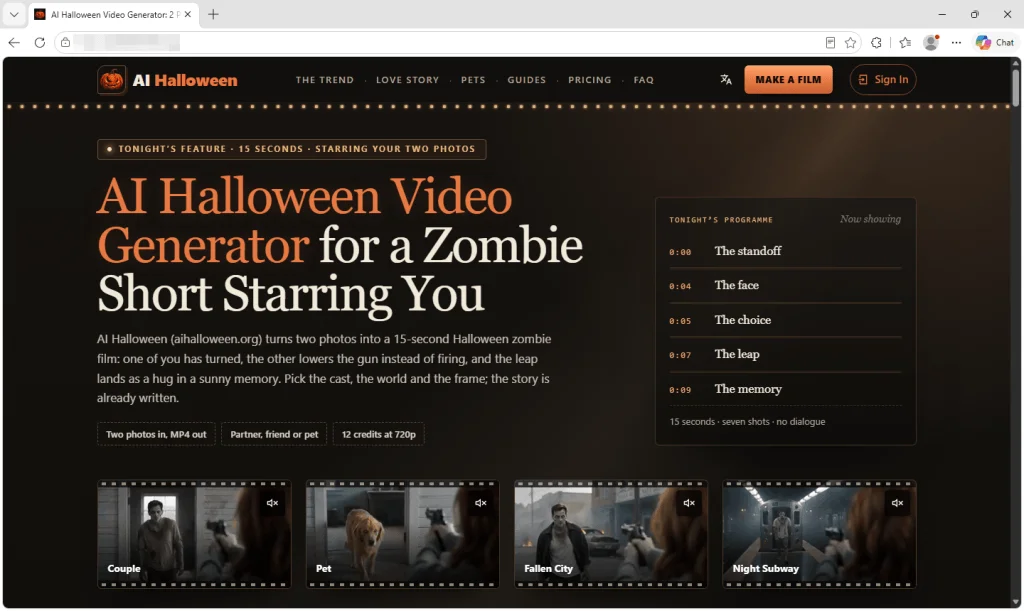
AI Halloween video makers can turn a photo into a vampire portrait, a pumpkin scene with your dog, or a short zombie story. The practical question is what happens to the image after upload. A polished site may explain the effect and offer a privacy policy, yet leave visitors unable to identify who runs the service or which companies process their photos.
A review of several Halloween video sites found no malware or phishing. The concern was less visible: the sites provided little information about the people or businesses responsible for the uploads. That matters because users may submit clear photos of themselves, friends, partners, pets and children.
Professional design doesn’t identify the operator
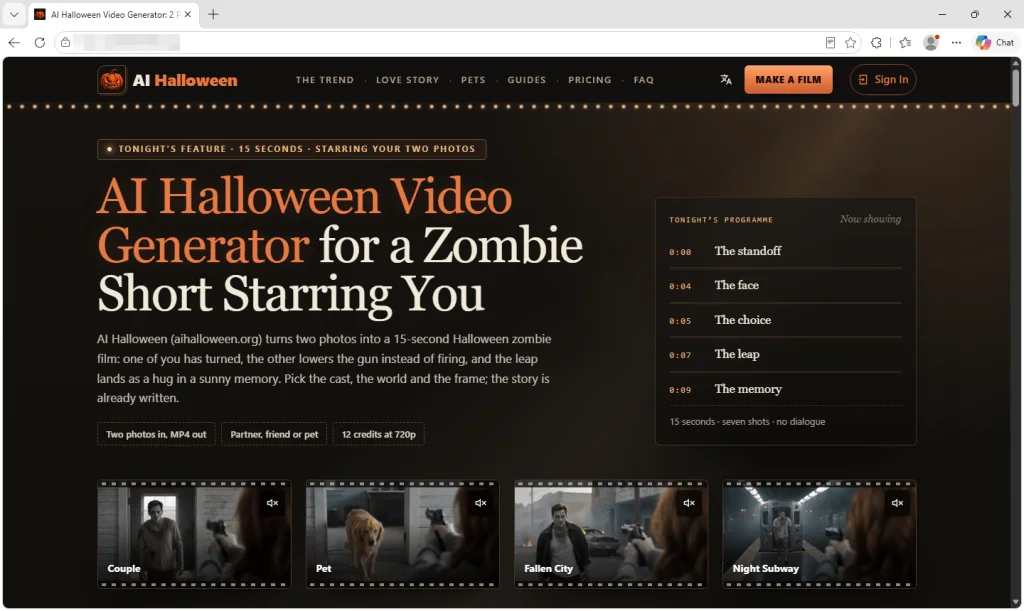
The sites present themselves as friendly, finished products. They offer FAQs and refund policies, and some include consent checkboxes for photos of children. One describes itself as “an independent tool with no ties to TikTok or any film studio.” Yet the sites examined didn’t name a company or operator, provide a business address, or identify a person responsible for the service. In some cases, the only contact was an email address on the site’s own domain.
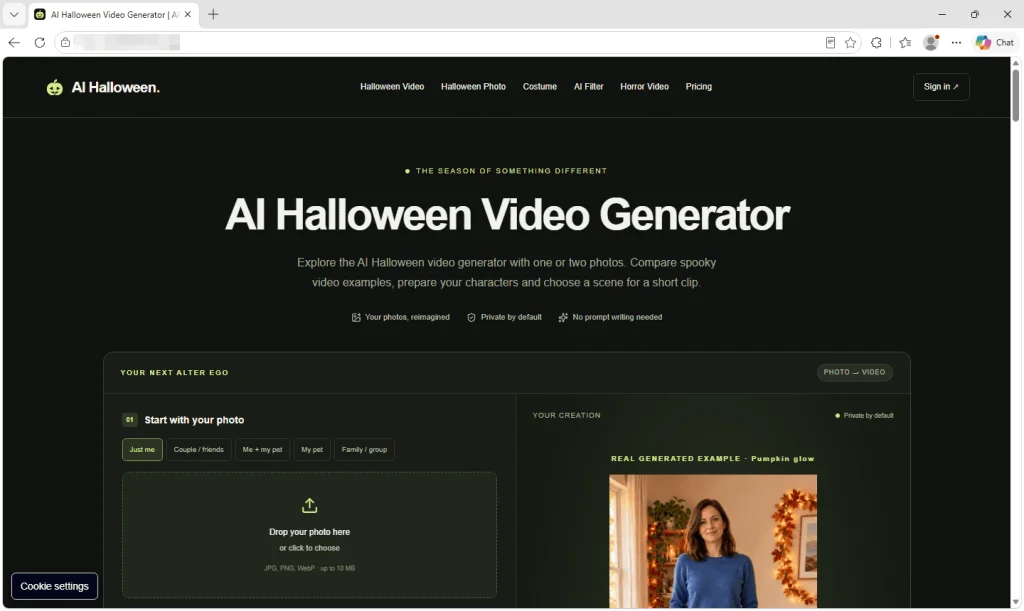
This lack of identifying information makes it harder to judge who will answer questions about a photo or handle a deletion request. It also makes reassuring language harder to assess: a privacy promise is only useful if users can establish who made it and what happens behind the scenes.
Uploads may pass through other AI providers
The services reviewed say they use outside AI providers to generate videos. That means the photo’s path can involve at least two parties: the site that collects it and the provider that processes it. The source material doesn’t establish what every provider does with each upload, so users should look for details about access, retention and whether images can be used to train AI systems.
The sites say uploads are deleted within days. The review found no evidence that they break this promise, but it couldn’t verify the deletion claims independently. Copies held by outside providers raise another question: does the stated deletion period cover those copies, too?
There’s a broader reason to be cautious with face photos. Someone’s likeness can be used to make fake intimate images and demand money to keep them private. In Malwarebytes’ Face Value report, 10% of respondents said someone had threatened to release AI-generated explicit content of them. The review found no sign that this had happened through the Halloween services it examined. The figure describes a wider risk, not an allegation about these sites.
Google sign-in offers limited clues
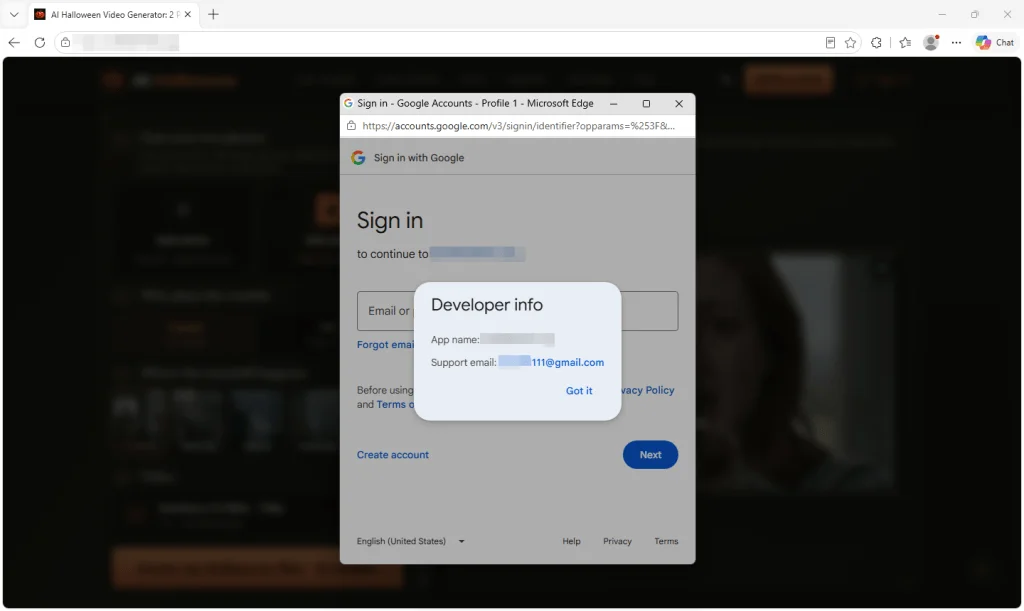
Some services use Google’s real sign-in window, where users enter their password with Google rather than on the video site. That protects the password from being typed directly into that site, but it doesn’t mean Google endorses the service or has checked its photo policies.
Clicking the app name in the sign-in window reveals “Developer info.” For one site, the only contact shown was a Gmail address. That alone doesn’t prove misconduct, but it doesn’t give users much help identifying the operator. Another sign-in screen named “neon.tech,” a database and authentication provider. Its appearance in the login flow doesn’t establish that it runs or endorses the video service.
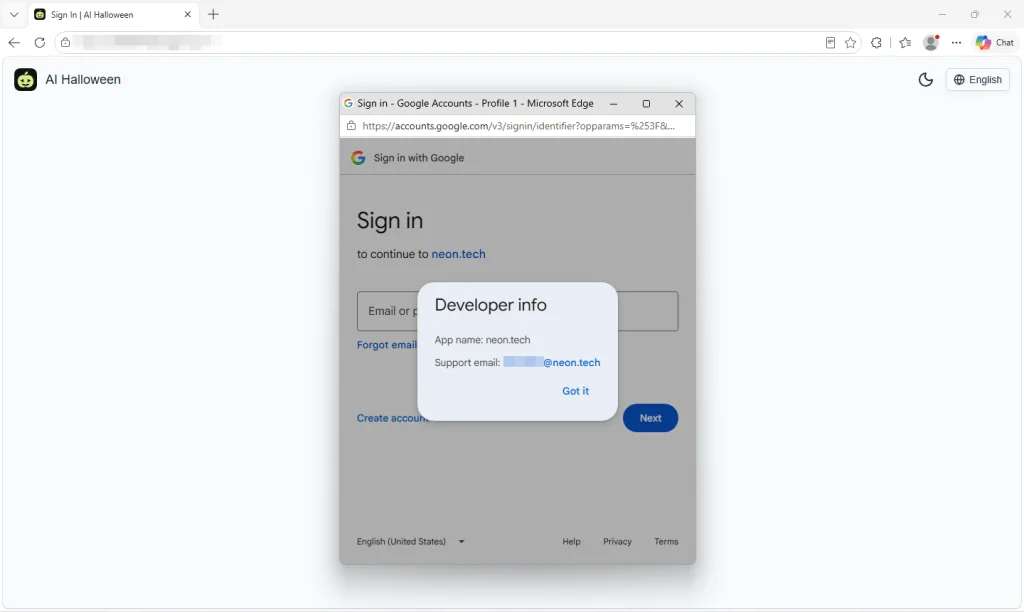
Login providers can manage sign-in for another site, and the window may show the provider’s domain instead of the service’s name. Here, that left visitors without a clear view of who operated the Halloween tool. Review the developer details and requested permissions, but treat them as one clue rather than a substitute for checking the service itself.
Reusable templates can produce convincing storefronts
In September, Malwarebytes described more than 100 subscription sites built with the same low-cost website kit. Some Halloween video services appear to use the same approach. The kit costs $249 and says buyers can “launch your AI product in one hour.” One site still contained demo text identifying it as a template sample, including placeholder links such as “your-app-name.”
Another site’s code retained material from an AI rap and dance video maker, including a hotel lobby setting, a recording studio and AI-written raps. Those leftovers suggest the underlying code was also intended for other video services. Templates can make a site quick to assemble; appearance alone tells you little about the people handling your images.
Check the full price before buying credits
One service charged $9.99 for a single 15-second zombie clip. Larger packs lowered the advertised per-video price to $2.99, but reaching that rate meant paying $199 for credits covering roughly 66 videos. Monthly and yearly subscriptions were also available, with yearly plans reaching $600.
Countdown offers, browser-tab reminders and claims about how many people had made videos that day added pressure to buy. The practical details deserve a closer look than the discount: subscriptions renew until cancelled, yearly plans charge the full amount at once, and some credits expire. The policies reviewed returned credits when video generation failed, but trying again after an unsatisfactory result used more credits. The sites also warn that AI can alter faces, so the finished clip may not resemble the person in the photo.
Checks to make before uploading
- Identify the operator. Look for a named business or person and usable contact details. If no one can be identified as responsible for the service, consider whether you’re comfortable uploading photos.
- Trace photo handling. Check the privacy policy for outside AI providers, retention periods and any use of uploads for AI training.
- Find the deletion process. Look for instructions to request removal and an explanation of how copies held by providers are handled.
- Take care with other people’s images. Get permission before uploading someone else’s photo. A checkbox about parental consent doesn’t explain how a service protects children’s images.
- Read the sign-in details. Check the developer information and permissions in Google’s sign-in window. Sign-in through Google doesn’t establish the video site’s identity.
- Review payment terms. Check the total price, credit expiry, renewal terms and cancellation process. Don’t let a countdown set the pace.
- Review connected services afterward. You can remove unused services from your Google account’s third-party connections. That won’t cancel a subscription or delete photos and other data already held by the service.
Malwarebytes’ Scam Guard can help assess a website, while Browser Guard helps block known scam and malicious sites. Neither can verify a service’s photo deletion promises. For these tools, the key decision comes before upload: establish who runs the service, read how it handles images, and understand what a video will cost if the first result misses the mark.